Scheduled Events
Bots can spawn jobs that run at specified times with specified arguments. These jobs are called scheduled events.
The scheduled events Overview page displays information about the events for all cloud accounts, including:
The total number of events for all clouds.
The number of events for each event type.
The results of your events for the last 14 days.
And more.
Filtering Events
You can also drill down into a subset of your events by using the Events by Cloud or the Events by Bot pages. From these pages, you can simply select the cloud / bot that you wish to filter by to receive the corresponding subset of events. You can also make your search more fine-grained by searching for a specific event type or event name. Similarly, the Search All Events page will allow you to search for an event by name or type directly over all clouds.
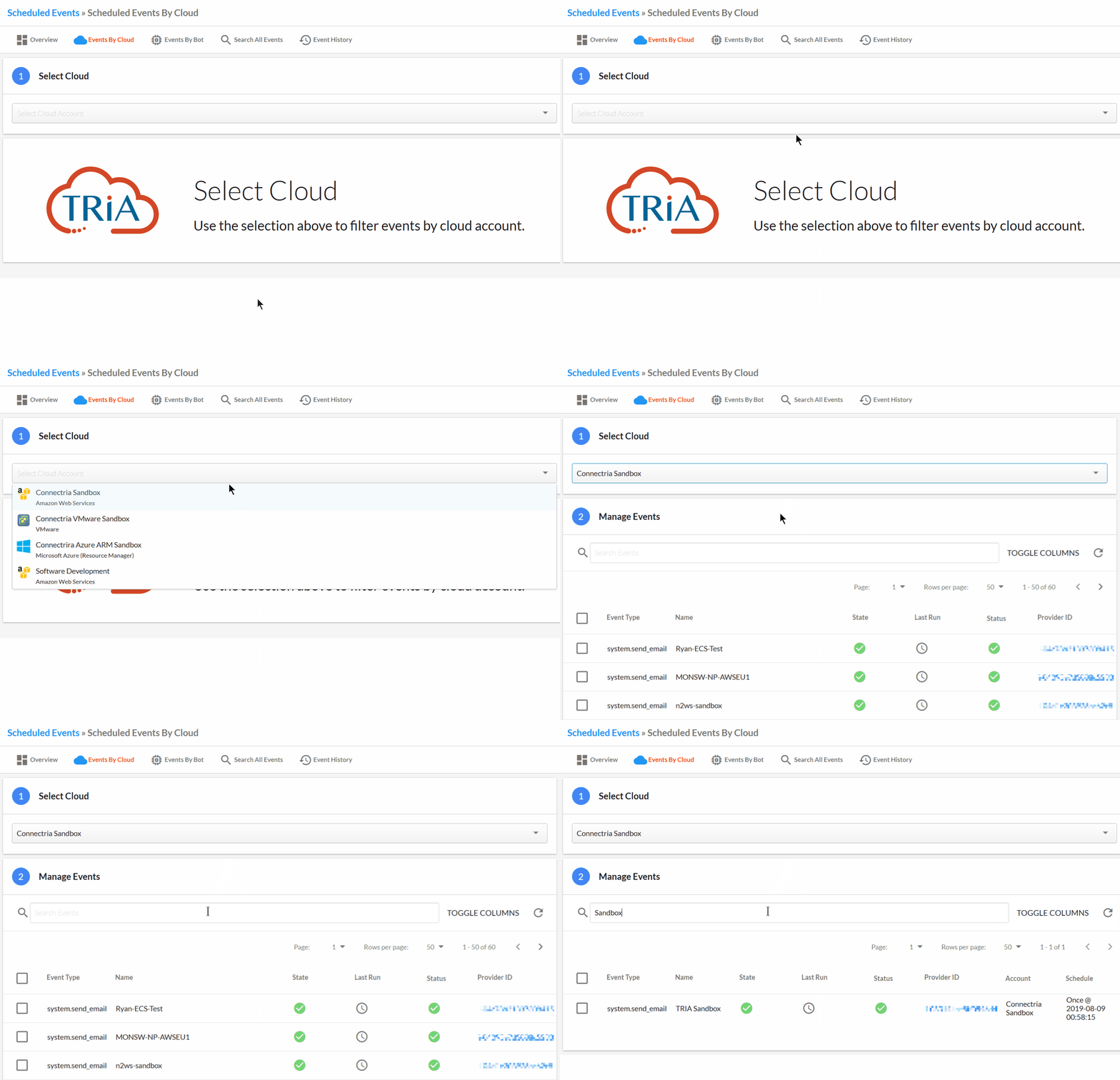
Once you have found your desired event(s), selecting them will allow you to now resume, suspend, delete, or retry those scheduled events, giving you more control over when those events are run.
Event History
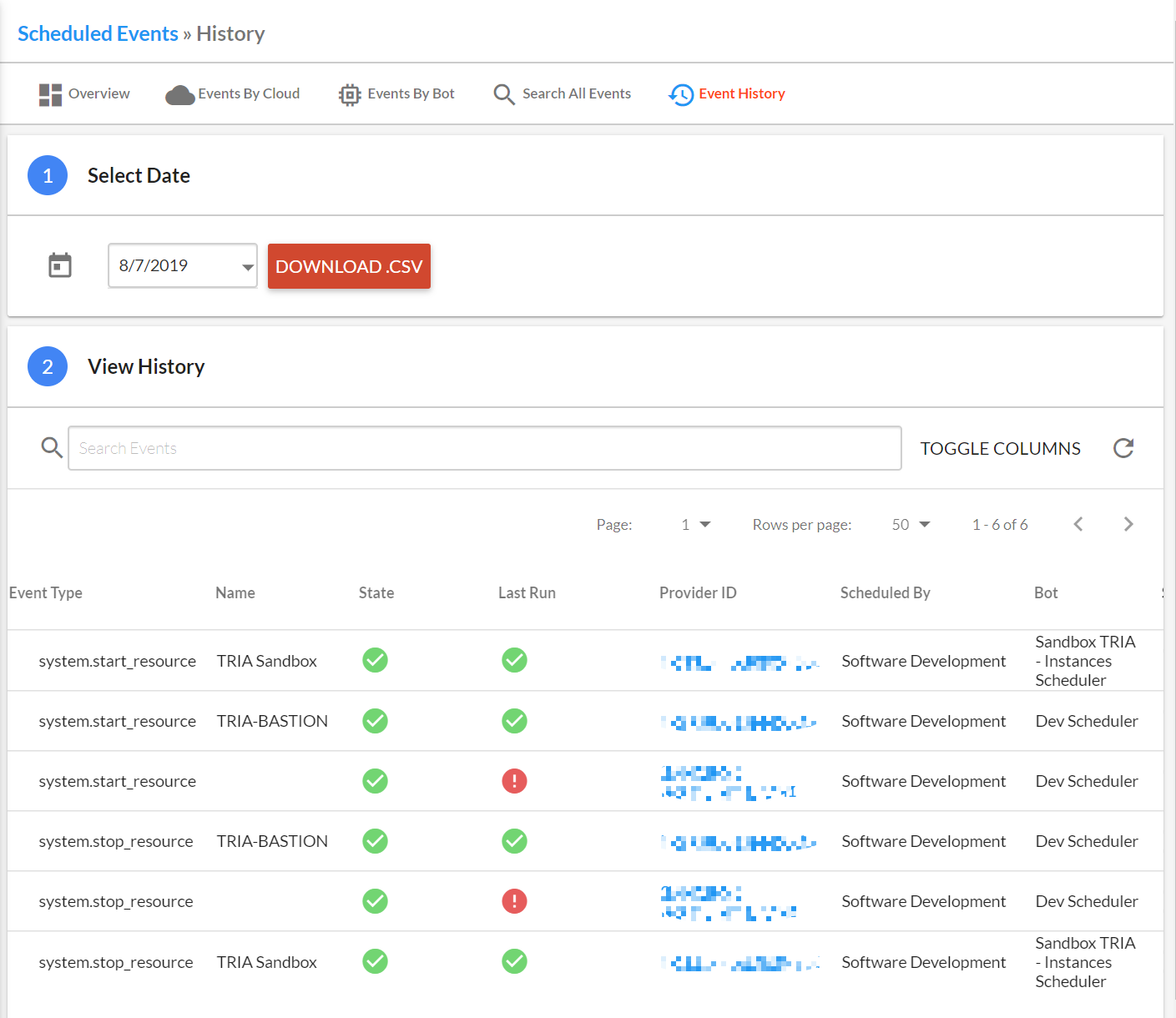
The Event History page will give you information on scheduled events which occurred on specified date. Here, you have the option to download a csv file, allowing you to save your scheduled event information locally.